Pipelines Persistence
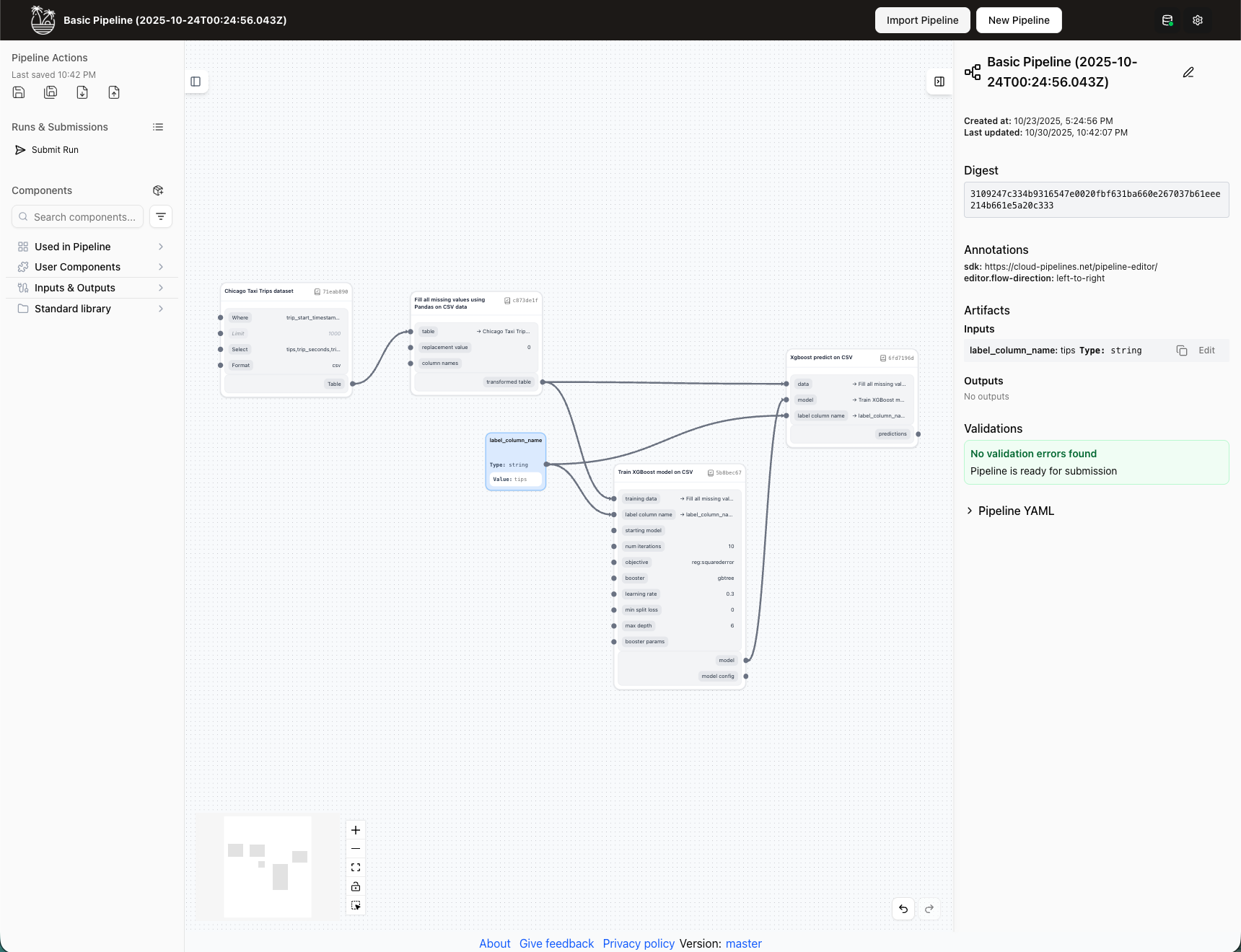
The editor saves your pipeline locally when editing, and saves it to the backend for all users to view when you submit it for execution.
This means pipelines stored in the editor will be lost if you clear browser data or use a different browser. You should always export important pipelines or submit them as runs for permanent storage.
Local vs backend storage
Think of the Editor as your personal drafting space and pipeline runs as your published, shareable versions.
Local storage (editor mode)
The pipeline editor automatically saves all your changes to your browser's local storage. This provides:
- Instant saving: Every change is preserved immediately
- Draft-like workflow: Work on pipelines without committing to a final version
- Privacy: Your work-in-progress remains local to your machine
- Offline capability: Continue editing without backend connectivity
Editor changes are stored locally in your browser. You cannot share pipelines directly via URL links while they're in the Editor. To share your work, you must either export the pipeline or submit it as a pipeline run.
Backend storage (pipeline runs)
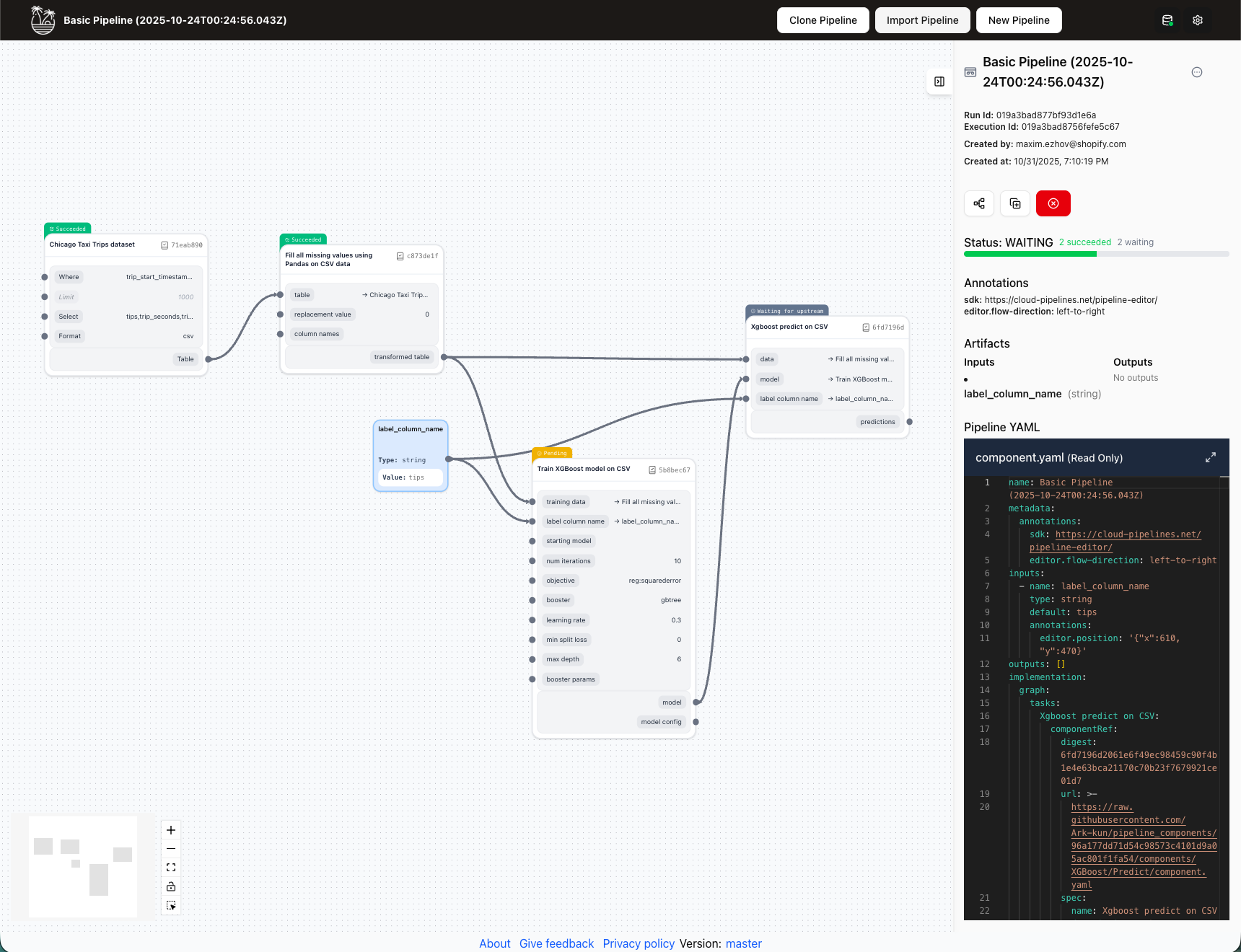
When you submit a pipeline for execution, it becomes a pipeline run stored on the backend:
- Permanent storage: Preserved on the server infrastructure
- Shareable: Each run gets a unique identifier for sharing
- Version history: Track different iterations of your pipeline
- Team collaboration: Other team members can access and review runs
All pipeline runs are available to anyone with the access to your instance of the TangleML Studio App.
Managing multiple pipeline versions
Save as feature
You can use Save As to experiment with different pipeline configurations without affecting the original:
- Click on the pipeline name or menu.
- Select Save Pipeline As.
- Enter a new name for the copy.
- The new version becomes your active pipeline.
Export and import
Share pipelines before creating runs through the export/import workflow:
Exporting pipelines
- Open your pipeline in the editor.
- Click Export pipeline from the pipeline actions menu.
- Save the YAML file to your local machine.
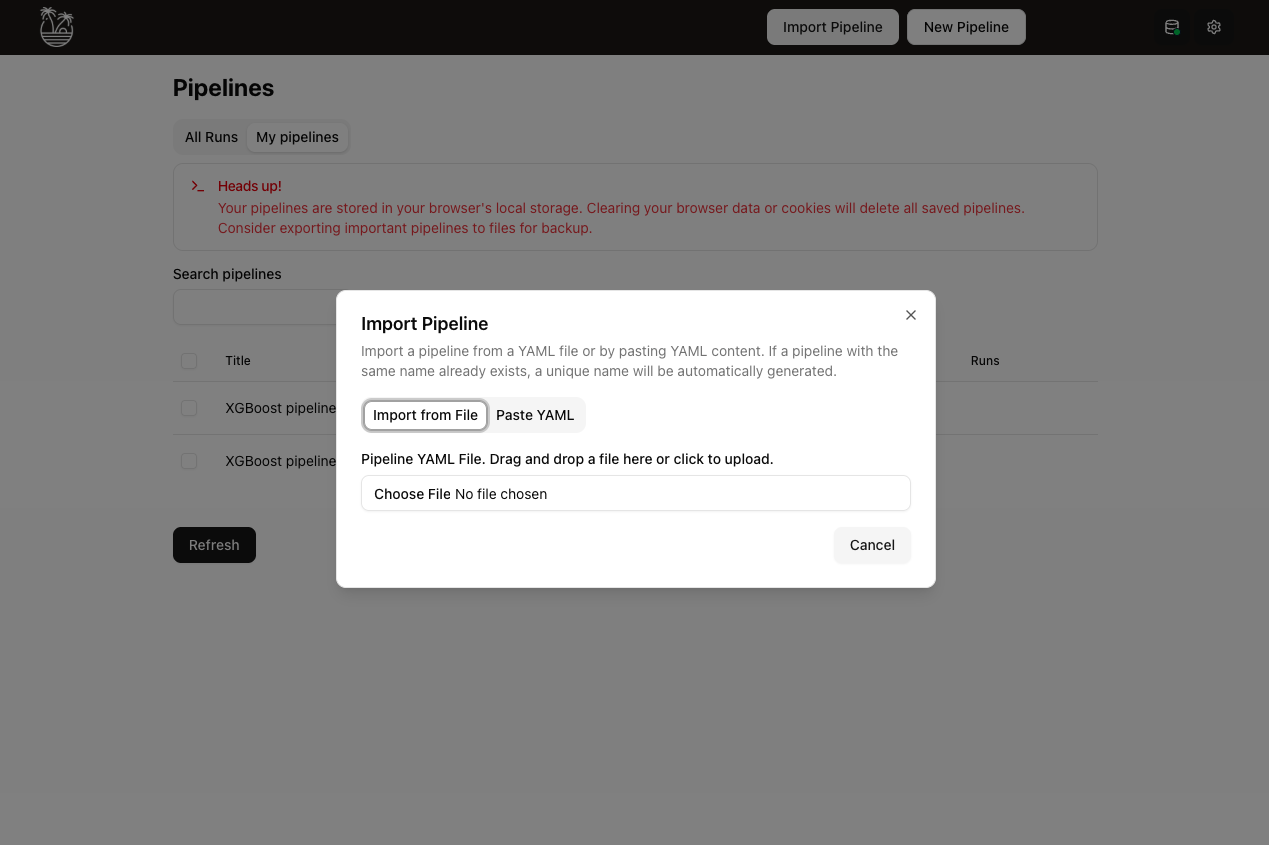
Importing pipelines
- Click Import pipeline in the Editor.
- Either:
- Select a YAML file from your computer
- Paste YAML content directly
Accessing your pipelines
Your locally saved pipelines are accessible from the Home screen:
- Navigate to the Home Screen.
- Click on the My Pipelines tab.
- View all pipelines stored in your browser.
- Click any pipeline to open it in the editor.